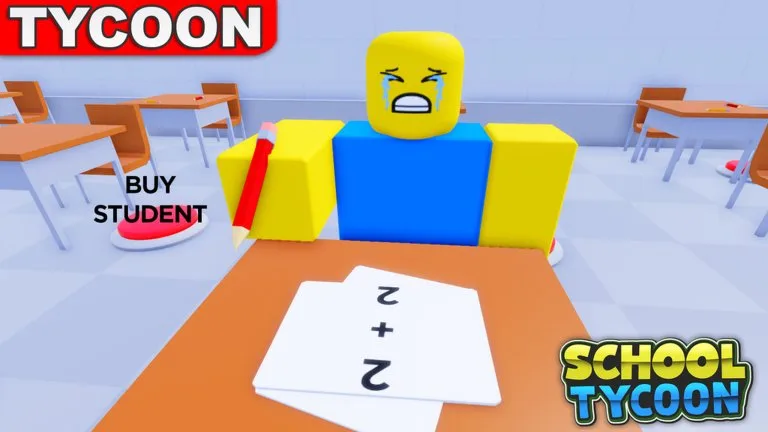
School Tycoon by Shark Fin Studios LLC starts you as the principal of an empty plot. You collect homework for coins, buy desks so more students and teachers can fit, hire students for coins per minute, add janitors when messes appear, and later change colors, uniforms, and the schedule from Customize. Progress autosaves. Servers hold four players. The Roblox place id is 5187612424.
Claim the plot before you shop
- Open School Tycoon on Roblox and check that the URL contains 5187612424 and the creator is Shark Fin Studios LLC.
- Wait until your tycoon UI loads. If a claim button is on the plot, stand on it.
- Find the left-side Customize button and the first purchase pads. Do not walk off to decorate a neighbor's school.
- Open Customize, then Codes, and try the strings on the codes page. Watch the money counter, not only a popup.
If Customize never appears, rejoin once. Purchases you already finished should still be there because the game autosaves.
First pads
Buy in this order while the school is still small:
- The first homework printer or drop starter. Without it, walking the plot does not create work to collect.
- The cheapest stamper pads that advance the letter climb. Players describe that climb as moving from early letters toward A. Exact button names can change, so judge a pad by whether it improves the homework pipeline. The stampers guide explains that choice.
- Desk pads as soon as you want another student. The official description says desks raise capacity for students and teachers.
- One or more students, up to the seats you actually own.
- A janitor when clutter starts blocking the collect path, or when you want the extra coins the official description ties to janitors.
Skip color packs and uniforms in this session. Schedule options matter later for field trips, not during the first printer purchase.
How to tell a good pad from a poster
Ask one question before you click: does this make more homework, more seats, or only a different paint job? The first two belong in the opening session. A neighbor's finished lobby is not a buy order. On a four-player server their third floor is a picture of a later session, which the players notes and floors guide cover.
Spend a code, then walk
Reported code rewards are small, often 20 Money on old like-milestone strings or 500 Coins on the strings a November 2026 in-game check still listed as working. Put that money into the next stamper or a desk. Then walk a short loop: drops, collect, back to the next dark pad. On mobile, zoom out so pads behind walls stay visible. Device buttons are on the controls page.
Leave floor 1 only when the loop is boring
You are ready to think about the next floor when all of these are true:
- The starter printer is owned.
- No cheap letter stamper is still dark only because you bought posters.
- At least one student is producing coins per minute.
- Desk count matches the students you want, not a wish list.
- You can pay the unlock and still run a few laps afterward.
Copy those checks into the payback habit on Tools. Unlocking with an empty wallet is the usual way a second floor feels broken. It is not broken. The new wing has no stampers yet. Recover with the floors guide.
Session-two habit
When you rejoin, walk the plot once, retest codes, and buy the cheapest throughput pad that is still dark. That single pass beats rearranging uniforms. Continue with how money actually stacks.